Savaspin Mobile Casino and PWA App
 Available in GB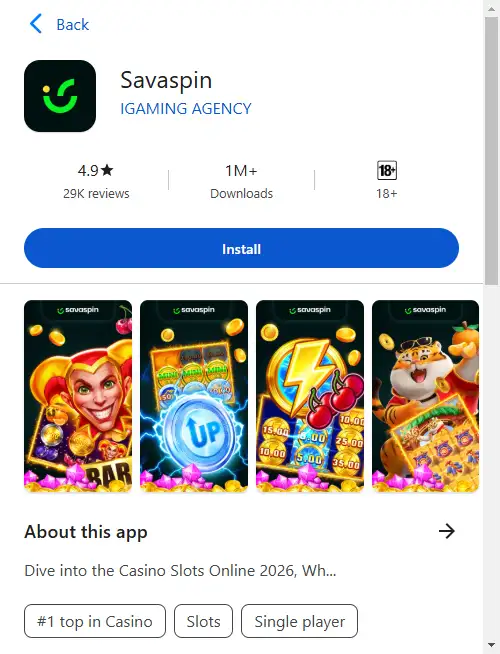
Savaspin’s mobile product is a progressive web app, or PWA. The “Savaspin app” can be installed from the website and launched from a home-screen shortcut without requiring a native App Store or Google Play package. Savaspin says the same PWA approach works on Android and iOS as well as macOS and Windows. The current Terms and Conditions separately list the United Kingdom as a Restricted Country for real-money deposits and play.
You can also use the casino in a normal mobile browser. The PWA mainly changes how you launch and frame the site: it opens more like a standalone app and removes much of the browser chrome. Your existing Savaspin account is used in either case, so installing the PWA does not require creating a second casino account.
Table of Contents
- Is there a Savaspin app?
- PWA vs native app: what changes?
- How to install the Savaspin PWA
- Using Savaspin in a normal mobile browser
- Games on mobile
- Account access and registration on mobile
- Payments on a phone
- Support from mobile
- Mobile usability checks that matter more than an app-store badge
- Security and privacy on a shared device
- If the PWA install option is missing
- Bottom line
Is there a Savaspin app?
Yes. Savaspin describes its app as a progressive web application. A PWA is delivered through the web rather than through a conventional native-app package downloaded from an app store. It can still place an icon on the device and open in an app-like window.
Savaspin’s current mobile instructions say users can visit the official website in a browser, tap the Casino App control, confirm the installation and then launch the shortcut. The operator says this approach works across Android, iOS, macOS and Windows.
The mobile installation model described by Savaspin is web-based rather than dependent on a native Apple App Store or Google Play package. Searches for “Savaspin iOS” or “Savaspin Android” therefore point back to the PWA and mobile website. UK residents remain subject to the same real-money country restriction on mobile as on desktop.
PWA vs native app: what changes?
| Feature | Savaspin PWA | Typical native store app |
|---|---|---|
| Installation source | Installed from the Savaspin website through the browser flow. | Downloaded from an app marketplace. |
| Account | Uses the same Savaspin account and login as the website. | Usually uses the same account, but depends on the operator. |
| Updates | Savaspin says the PWA updates automatically as the web product changes. | Often updated through the app store. |
| Interface | Opens in a standalone-style window without the usual browser address bar. | Runs as a packaged native application. |
| Store listing required | No. | Normally yes. |
The biggest practical benefit is direct access. If you use Savaspin regularly, a home-screen icon saves the step of opening a browser and finding the site again. If you use it only occasionally, the normal mobile website can provide essentially the same account and game access without installing anything.
How to install the Savaspin PWA
Savaspin publishes a simple four-step installation flow. The exact wording of browser prompts can change by device and browser version, so the useful process is higher level:
- Open the official Savaspin website in the browser you normally use.
- Find the Casino App or installation control shown on the site.
- Choose the install option and confirm when your device asks for permission.
- Open the new shortcut and sign in with your existing Savaspin credentials.
On some devices the browser may use wording such as “Add to Home Screen” rather than “Install”. Menu labels differ by device and browser version, but the installation starts from Savaspin’s website and produces a home-screen or application shortcut.
Using Savaspin in a normal mobile browser
You do not need the PWA to use Savaspin on a phone. The standard mobile website remains useful when you are on a shared device, do not want another home-screen icon, or simply prefer browser tabs. The same login leads into the same account rather than a separate mobile-only profile.
A browser also makes it easier to inspect the full address before entering credentials. That can be a helpful security habit. Use the official site, avoid links from unsolicited messages, and make sure you are not entering your password into a lookalike page.
The PWA and browser routes are therefore choices about convenience and presentation, not separate casino products. A reader deciding between them should focus on how often they play, whether they want a dedicated icon and whether they prefer an app-like window or a conventional browser tab.
Games on mobile
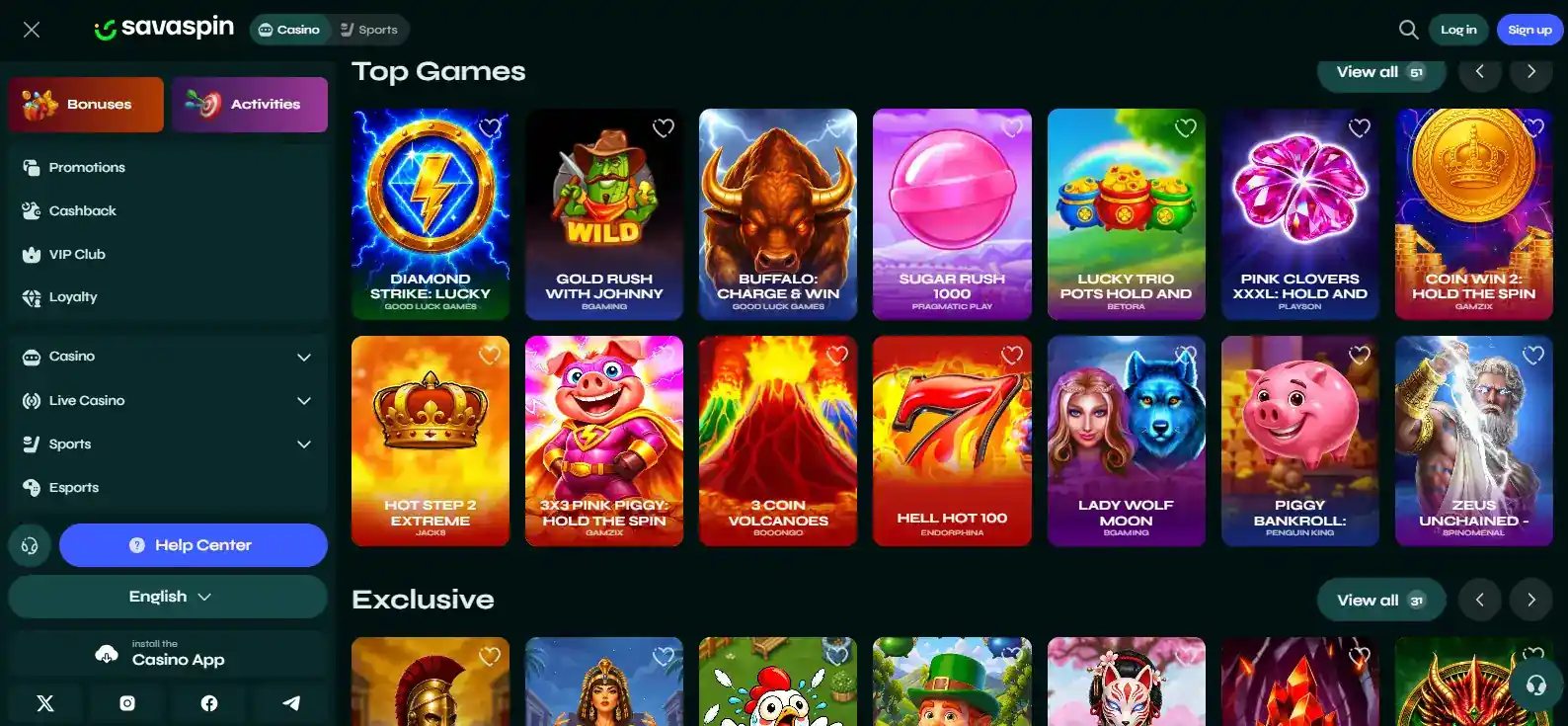
Savaspin advertises more than 6,000 games across its wider platform. That establishes a large overall catalogue, but it does not prove that every title, provider or live table appears on every device or account. Game availability can vary with provider rules, screen size, account settings and region.
For mobile use, the practical test is to open the lobby on the device you actually plan to use. Check whether search and category filters are comfortable on the smaller screen, whether favourite games load correctly, and whether live-dealer video remains readable over your connection.
The full catalogue and provider discussion belongs on the Savaspin games page. This mobile guide uses the game count only to explain the scale of the product you are accessing, not to duplicate the game review.
Account access and registration on mobile
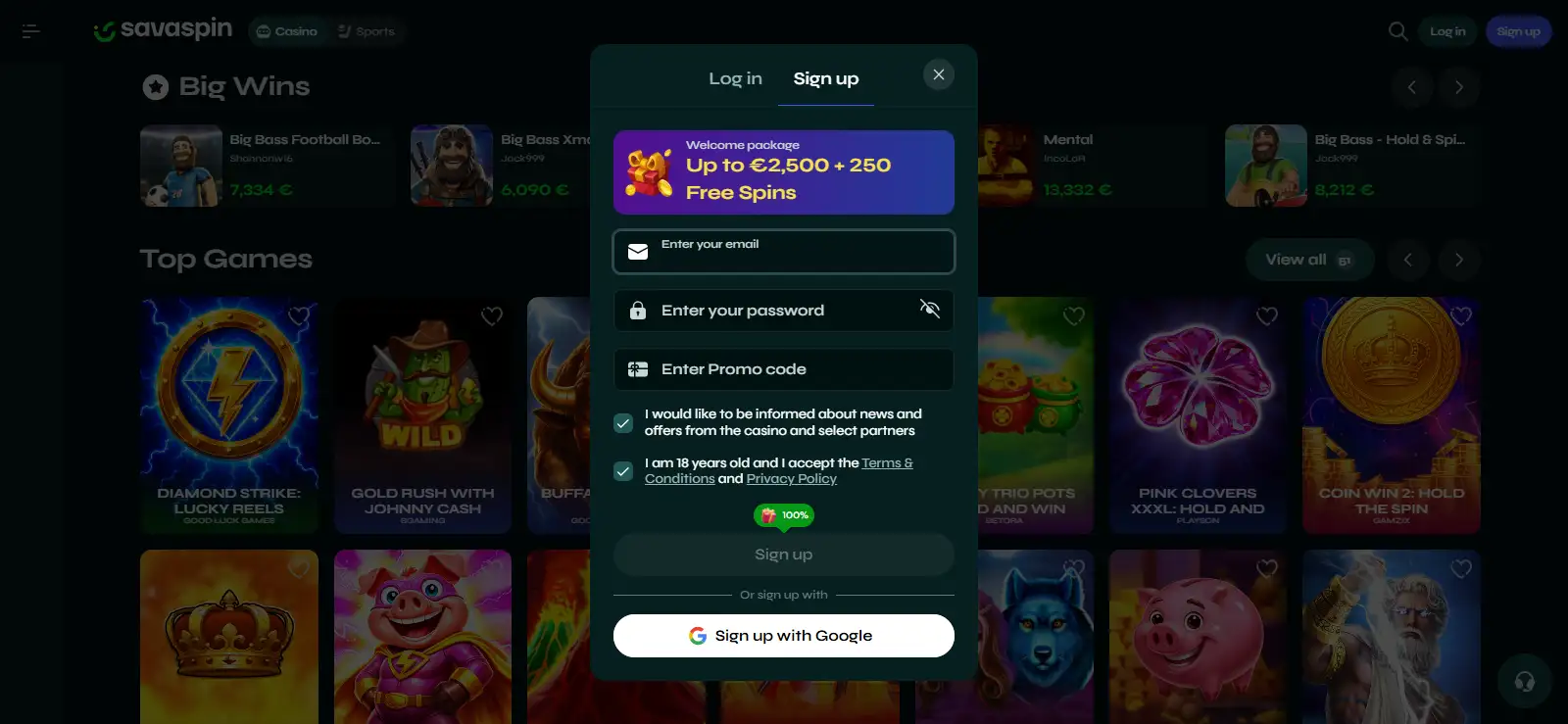
The PWA uses the same Savaspin account as the main website. That matters because installing it should not lead you to create a duplicate profile. If you are registering for the first time, enter your details accurately and keep the login credentials private.
Mobile screens can make long forms feel more compressed, so check names, dates and addresses before submitting. Accurate registration information is especially important because identity verification can later compare account details with documents. A typo that seems minor during sign-up can become unnecessary friction when a withdrawal triggers a verification check.
The registration sequence and account-management points are covered in the Savaspin registration. The mobile version does not change the core account concept.
Payments on a phone
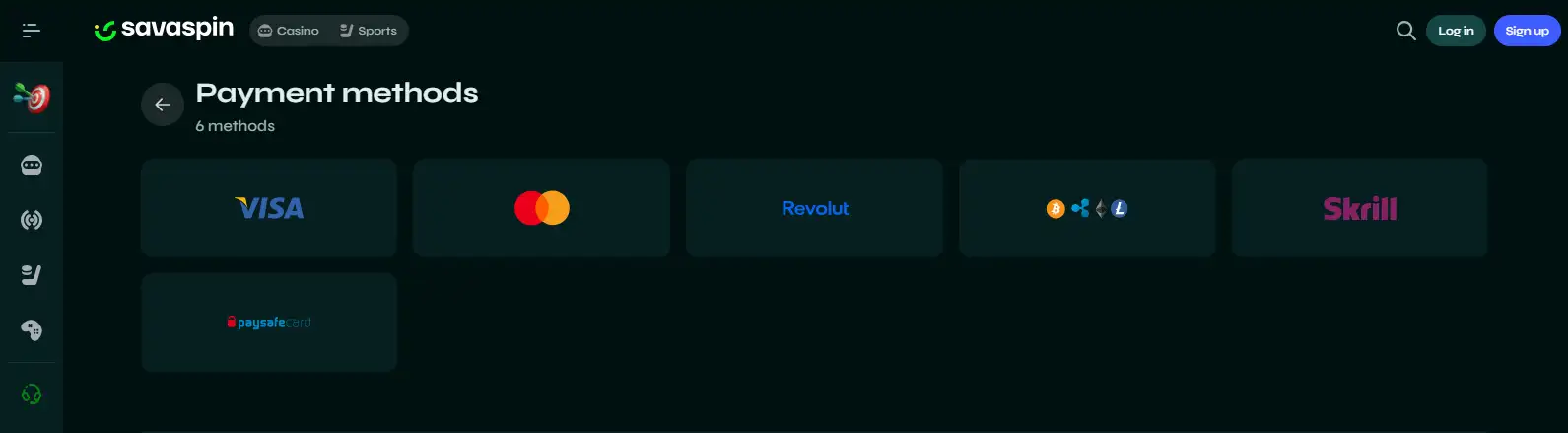
Savaspin publicly lists Visa, MasterCard, Apple Pay, Google Pay and crypto among its platform payment categories. On mobile, wallet-based methods can be convenient because the device may already hold the required payment credentials. That does not mean every method is available to every account or country. United Kingdom residents remain subject to Savaspin’s real-money restriction.
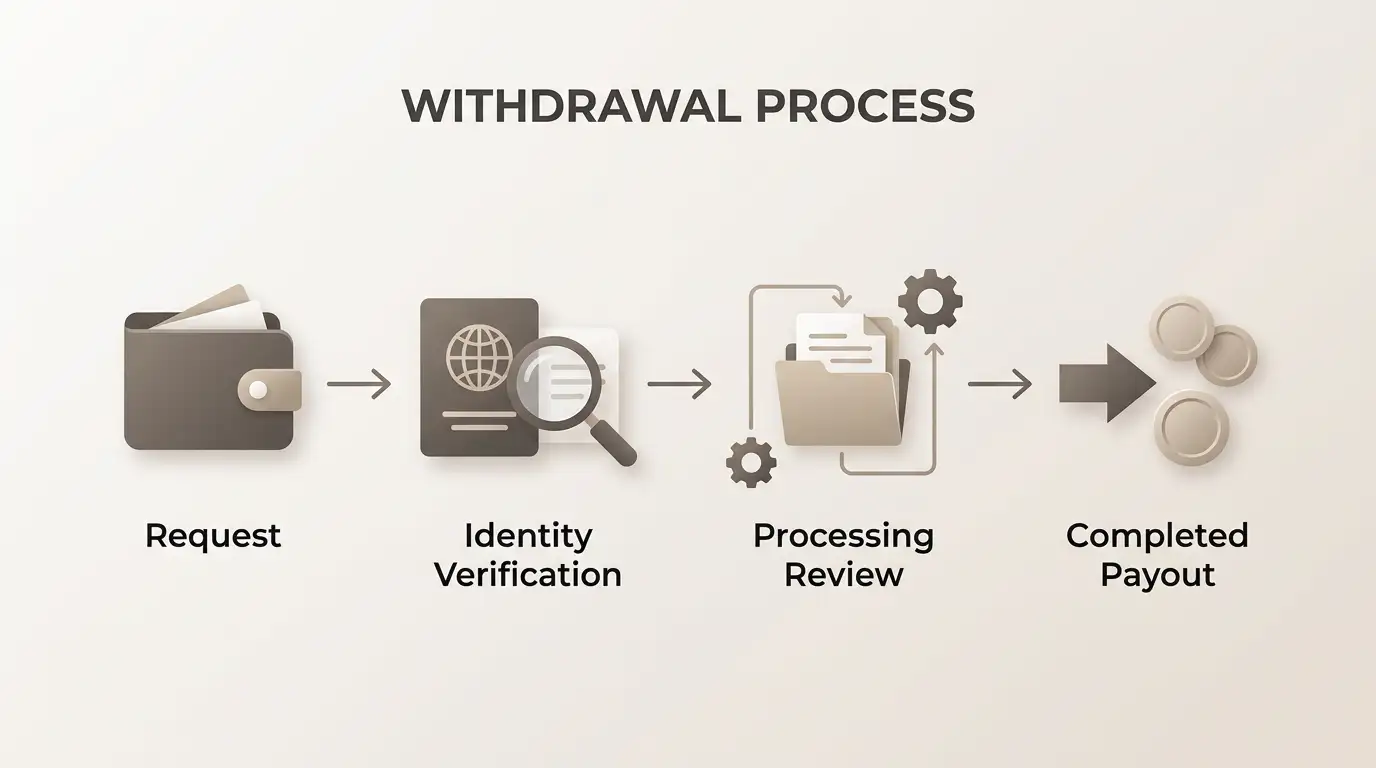
Open the live cashier to see which deposit and withdrawal routes are actually offered, which currency is being used and what limits are displayed. The mobile screen is only the interface; account, country and payment-provider rules still determine whether a method can be used.
For more detail, including the Great Britain credit-card rule and why network logos should not be treated as proof of credit-card acceptance, see the Savaspin payment methods guide.
Support from mobile
Savaspin advertises 24/7 live chat and also provides email support. That is useful on mobile because live chat can be opened while you are still looking at the account or cashier issue you need help with. When contacting support, keep the problem description specific and provide a transaction or reference number where relevant.
Do not send passwords, full card details or crypto private keys through support. If identity documents are required, use the official verification route specified by Savaspin rather than attaching sensitive files to an unrelated public message.
Mobile usability checks that matter more than an app-store badge
For a web-based casino product, an app-store badge is not a complete measure of mobile quality. A better test is how the actual product behaves on the phone you use. Before treating the PWA as your main access route, check:
- how quickly the lobby loads on both Wi-Fi and mobile data;
- whether search, filters and account menus are usable one-handed;
- whether the login and cashier remain readable without excessive zooming;
- whether the device keeps the PWA session separate from other browser tabs in a way you find convenient;
- whether the installed shortcut points to the official Savaspin site;
- whether the games you actually want to play are available and stable on that device.
These checks turn a vague “does the app work?” question into specific observations. They also avoid overclaiming based on platform marketing alone.
Security and privacy on a shared device
A home-screen shortcut can make access faster, but convenience also increases the importance of device security. Use a screen lock, avoid saving passwords on a device other people can access, and log out when using a shared phone or tablet. If your browser or operating system offers biometric access to stored passwords, configure it carefully rather than assuming the PWA itself adds a second layer of authentication.
Because a PWA is tied to the website, you should still pay attention to the domain when installing it. Start from the official Savaspin site rather than a third-party download page. There is no need to install an unrelated APK or profile merely to access the confirmed Savaspin PWA.
If the PWA install option is missing
If you cannot see the same installation control shown in Savaspin’s current instructions, do not assume the mobile casino is unavailable. First reload the official site in a mainstream browser, make sure you are not using a private or heavily restricted browsing mode, and check the browser menu for its own home-screen or install option. Browser wording and placement can differ by operating-system version.
You can also continue in the mobile website without installing anything. That gives you a useful fallback while you confirm whether the missing prompt is a browser issue, a device setting or a change in the site’s current installation flow.
Bottom line
Savaspin has an installable PWA rather than relying on a native store package. It can be installed from the official website on Android and iOS, and Savaspin also says the same model works on macOS and Windows. The normal mobile browser remains an alternative. None of these access methods changes the United Kingdom restriction on real-money deposits and play.
The PWA is mainly about faster access and a cleaner app-like frame. It uses the same Savaspin account and connects to the same broader game, payment and support environment. For the full product overview, return to the Savaspin UK review.
Written by the editors at Sava Spin Casino.